- Contact us
- [email protected]
DNA Special Interest Group: Genealogy Assistant

DNA Special Interest Group: Genealogy Assistant
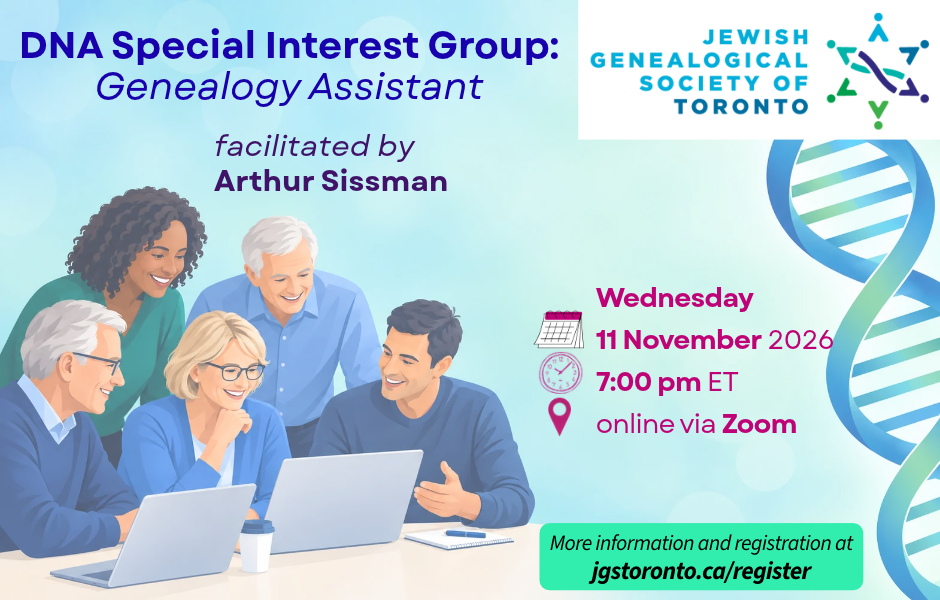
Our DNA Special Interest Group (SIG) offers an interactive forum where participants can learn how to use DNA as a tool for Jewish genealogy. Each session is self-contained and focuses on real case studies, practical tips, and guidance from our experts. Whether you’re just getting started with DNA testing or have been working with your matches for years, you’ll gain valuable insights you can apply directly to your own research.
This month’s topic is Genealogy Assistant, a browser extension built to cut the time spent clicking through pages of DNA matches, retyping names into search boxes, or paging one image at a time through a long record set.
The extension comes from Genea Research in Waterloo, Ontario. It adds more than 100 features to Ancestry, MyHeritage, FamilySearch, FamilyTreeDNA, 23andMe, and other genealogy websites, and it covers both traditional and genetic genealogy. It runs in Chrome, Edge, Firefox, and Safari. After you start a 30-day free trial or log in, all features are ready to use with no setup.
Highlights:
* DNA matches in spreadsheets: You can export match lists, shared matches, ThruLines and clusters from Ancestry as CSV files, and you can export matches the same way from MyHeritage, 23andMe and LivingDNA.
* Your strongest matches, highlighted: Matches above a cM threshold are highlighted, and you can change the threshold. That helps when endogamy inflates shared DNA.
* Surname comparison: The extension pulls surnames from your matches’ trees, shows which ones are shared, including variants, and exports the list to CSV.
* Faster record work: You can skip through dozens of record images at a time, and search a person across several genealogy sites from a single button, including from FindAGrave memorials.
* Relationship Finder: Click any two people in your Ancestry tree to see how they’re related.
We suggest you begin your free trial prior to the meeting so that you can explore the tool beforehand. Come to the session with your questions and ideas for using your favourite features so far. Go to Genealogy Assistant for the install links for each browser and the full list of features. Also download the Blurring Tool for use during the meeting to blur out and protect matches when presenting your material.
Online via Zoom
Frequently Asked Questions (FAQ):
- Who may register for this program? Public
- Is there a fee for registration? Free
- Is the program being recorded? Yes
- Who may view the recording? Members only